Conversation Limits and API Rate Limits
What if the token limit is exceeded?
When the conversation context becomes too long and exceeds the model's token limit, Kimi Claw may not be able to respond properly.
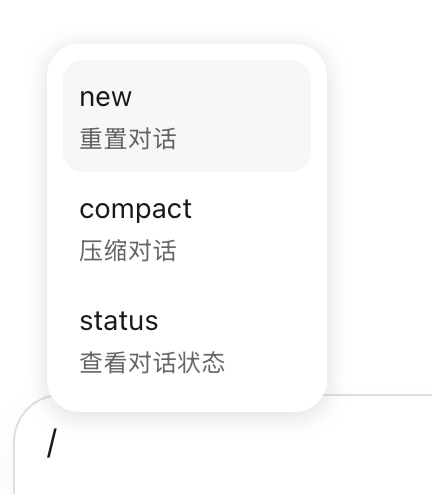
What to do:
- Send the
/newcommand to start a new conversation and clear the current context. - If you still see a context limit warning after using
/new, the model may have loaded too much Skill content by mistake. You can try the following:- Use
/skillsto view the currently loaded skills and unload any you do not need. - Use
/compactto compress the current context. - Use
/resetto reset Kimi Claw.
- Use
API rate limit reached message
This message means you have triggered an API rate limit. Please try again later.
Check your credit and request frequency:
- Go to kimi.com/code.
- Open Console.
- Click View Credit and Frequency to see your current usage and limits.
If you often encounter rate limits, we recommend spacing out your tasks appropriately or upgrading your membership plan for a higher call credit.
Was this article helpful?